
HDMI should be easy: plug it in, get picture and sound, done. But then you see labels like 4K, 8K, High Speed, Ultra High Speed, ARC, and eARC… and suddenly buying a “simple cable” feels more complicated than it should.
This guide breaks HDMI down in plain English—what those labels mean, when they matter, and how to choose the right cable for your TV, soundbar, console, or longer setup.
What HDMI actually does (quick refresher)
A HDMI cable can carry:
-
Video (your picture)
-
Audio (sound)
-
Control signals (so devices can talk to each other—like volume through your TV remote)
Most HDMI confusion comes down to one thing: different setups need different bandwidth and audio features.
4K vs 8K: what it really means on an HDMI cable
When you see “4K” or “8K” on HDMI packaging, it’s not just about the resolution—it’s about how much data the cable can reliably carry (bandwidth).
4K HDMI (everyday setups)
A 4K-capable cable is ideal for:
-
Streaming and TV viewing
-
Movies and sport
-
Standard 4K devices
8K HDMI (modern features + extra headroom)
An 8K-capable cable is designed for higher bandwidth and is most useful for:
-
Modern TVs and newer devices
-
Gaming features that need more bandwidth
-
Setups where you want extra stability and “buy once” compatibility
Simple rule:
If you’re mainly watching TV and streaming, 4K is usually enough. If you’re gaming on a newer console, using eARC, or just want the safest choice for modern gear, 8K Ultra High Speed is often the better pick.
The HDMI label that matters most: High Speed vs Ultra High Speed
You’ll see a lot of marketing terms, but your easiest decision is usually:
High Speed HDMI (great for most 4K viewing)
Best for typical TV setups and everyday use.
Ultra High Speed HDMI (best for modern setups)
Built for higher bandwidth and newer features. If you’ve got a newer TV, a soundbar, a console, or you want fewer compatibility headaches, this is the simplest choice.
ARC vs eARC: what they mean (and why you should care)
ARC and eARC are about how audio travels from your TV to a soundbar or AV receiver.
ARC (Audio Return Channel)
ARC lets your TV send audio back down the HDMI cable to your soundbar/receiver.
ARC is great if:
-
You want one cable from TV → soundbar
-
You want a simple upgrade from older connections
-
You mostly watch streaming/broadcast content
eARC (enhanced ARC)
eARC is the newer version and generally supports higher-quality audio formats and stronger compatibility when both devices support it.
eARC is best if:
-
Your TV and soundbar both support eARC
-
You want the most future-friendly setup
-
You want the best chance of clean, stable audio
Simple rule:
If your TV and soundbar both have eARC, use eARC. If not, ARC is still a great, simple setup.
Which HDMI cable do I need? Choose your setup
Setup 1: TV + streaming device (Apple TV, Chromecast, etc.)
Most people: 4K High Speed is usually enough
Safe upgrade: 8K Ultra High Speed if you want extra headroom
Setup 2: TV + soundbar (ARC/eARC)
-
Plug into the HDMI port on your TV labelled ARC or eARC
-
Use a quality HDMI cable for stability
Best choice: 8K Ultra High Speed (especially if using eARC)
Setup 3: Gaming console + 4K/8K TV
If you want maximum compatibility with modern gaming features, higher bandwidth cables are the safer choice.
Best choice: 8K Ultra High Speed
Setup 4: Longer runs (wall-mount TV, projector, “across the room” setups)
Longer cable runs can be more demanding. Choosing a cable designed for modern bandwidth and stability helps reduce dropouts.
Best choice: Ultra High Speed options (and consider a premium Ultra High Speed cable for more demanding setups)
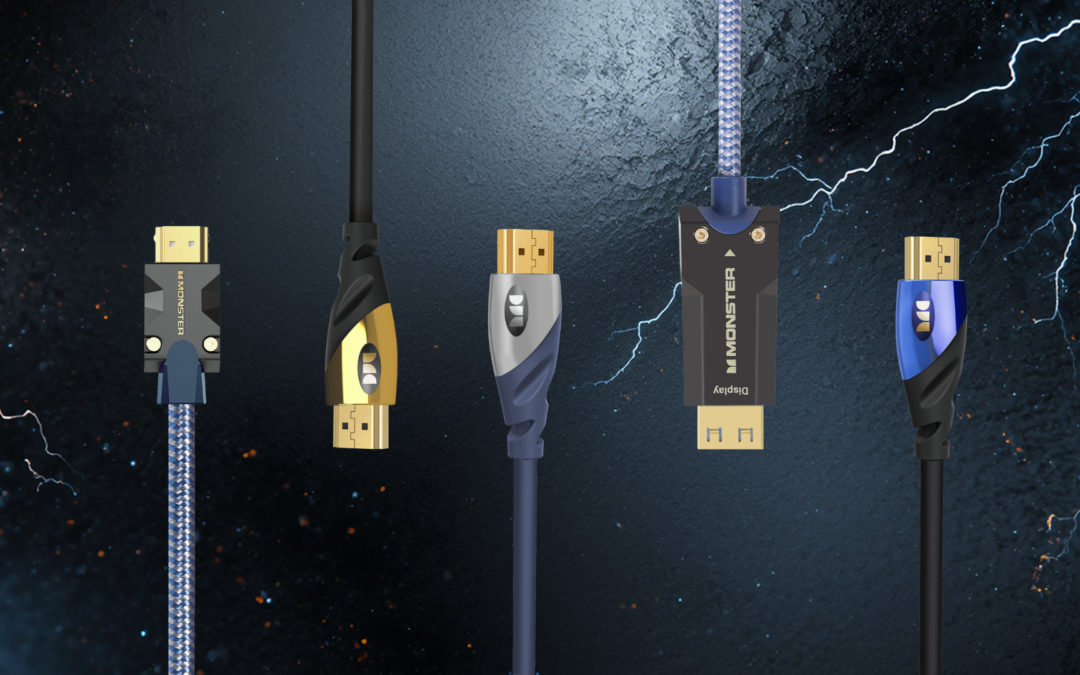
How this matches our Monster HDMI cable range
To make it easy, here’s how the labels on our HDMI cables map to the real-world uses above:
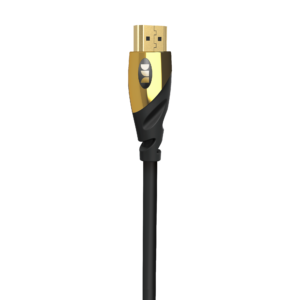
For everyday TV and streaming (4K)
Best for typical 4K viewing where you want a reliable, straightforward connection.
For modern TVs, consoles, and ARC/eARC soundbars (8K / higher bandwidth)
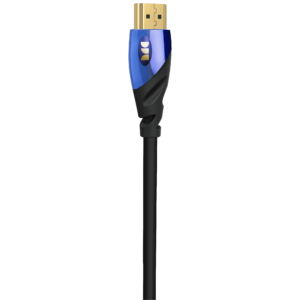
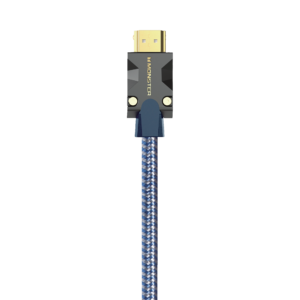
8K Ultra High Speed HDMI Cable
8K Ultra High Speed Cobalt HDMI Cable
Great when you want maximum compatibility with modern features and extra headroom.
For demanding setups (premium Ultra High Speed)
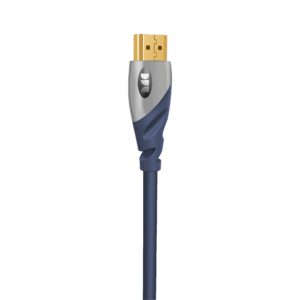
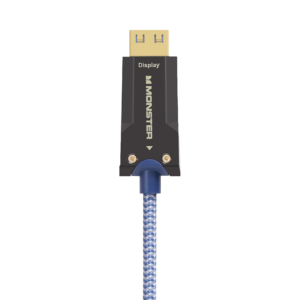
Light Speed M3000 Ultra High Speed HDMI Cable
A premium Ultra High Speed option for people who want a high-performance cable for modern setups—especially useful if your setup is more demanding (for example: more devices, higher bandwidth modes, or longer/less convenient cable routing).
(Tip: If you’re routing a cable behind a wall-mounted TV or across a room, choosing a higher-spec cable can help reduce headaches later.)
Quick troubleshooting: common HDMI issues (and easy fixes)
“No signal”
-
Try a different HDMI port on the TV
-
Restart both devices
-
Make sure your TV input matches the HDMI port you’re using
Flickering or dropouts
-
Reseat both ends of the cable firmly
-
If your setup is more demanding, try a higher-spec cable (Ultra High Speed)
-
If possible, test with a shorter cable to isolate the cause
No sound through soundbar
-
Confirm the TV port is labelled ARC or eARC
-
Check TV audio settings (ARC/eARC enabled)
-
Confirm the soundbar is on the correct input
10-second checklist (before you buy)
1) Is this for a newer TV, gaming, or modern features?
→ Choose 8K Ultra High Speed
2) Are you using a soundbar with ARC/eARC?
→ Choose 8K Ultra High Speed (best compatibility)
3) Is it mainly streaming and everyday viewing?
→ 4K High Speed is usually enough
4) Is the setup more demanding (lots of gear, tricky routing, longer runs)?
→ Consider a premium Ultra High Speed option like Light Speed M3000
FAQs: HDMI cables, 4K/8K, ARC & eARC
Do I need an “8K HDMI cable” for a 4K TV?
Not always. For many standard 4K setups, 4K High Speed is enough. But 8K Ultra High Speed can be a smart choice for modern compatibility and “buy once” peace of mind.
What’s the difference between ARC and eARC?
ARC returns audio from your TV to your soundbar/receiver over HDMI. eARC is the newer version and supports higher-quality audio formats when both devices support it.
Why does HDMI work sometimes but flicker during certain content?
Some modes (higher bandwidth video settings, certain formats) are more demanding. If your setup is pushing more data, upgrading to Ultra High Speed can help improve stability.
Does the HDMI version number matter?
It’s usually easier to choose based on the cable type (High Speed vs Ultra High Speed) and your setup (TV/streaming vs gaming/eARC), rather than getting stuck on version numbers.
Final takeaway
-
4K High Speed = great for everyday TV and streaming
-
8K Ultra High Speed = best for modern setups, gaming, and ARC/eARC soundbars
-
Light Speed M3000 Ultra High Speed = a premium Ultra High Speed choice for more demanding setups
If you want fewer “will this work?” moments, 8K Ultra High Speed is the easiest all-round pick.
Explore all Monster HDMI Cables
Monster Australia delivers audio, cables and power solutions built for everyday performance.
Available at selected retailers:
JB Hi-Fi
Big W
Harvey Norman
The Good Guys
Range and availability may vary by store.
Proudly Imported & Distributed by Tempo (Aust) Pty Ltd.